30 days
49 ₽
≈ 1.63 ₽/day
A month of watching on any device.
Forgot your phone at a café - your watch tells you. Your watch came unclasped - you know instantly. Left your headphones - your phone tells you.
Bluetooth Radar watches the Bluetooth devices you chose. The moment the link is lost, a clear alert fires - on the phone and on the watch. It repeats until you answer it. While the link is up, there are no alerts.
First 3 days free. Then:

Keeps watching after a reboot and after background apps are closed.
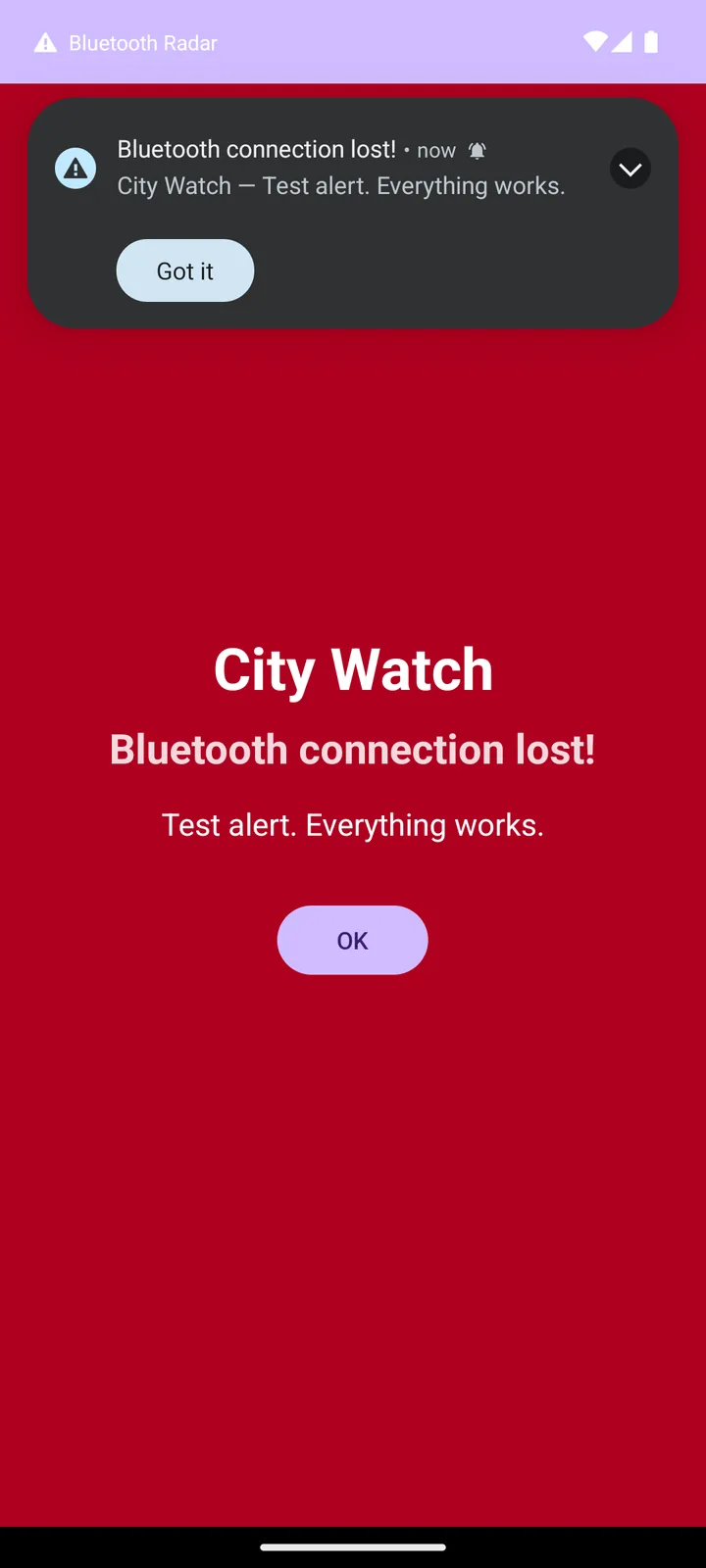
The red alert opens over the lock screen and turns the screen on.
Sound, vibration and flash are set separately for each device.
No ads, no internet. Everything runs on the device itself.
A great fit for outdoor enthusiasts: while hiking, cycling, skiing or running, your phone, headphones or watch can fall out of a pocket. If the Bluetooth link drops, the app warns you on the phone and watch.
Three steps
After that the app runs on its own - no need to open it.
Anything already connected over Bluetooth. Sound, vibration and flash can be set separately for each one.
Monitoring continues after a reboot and after the system closes background apps.
Link lost: a loud alert on the phone and on the watch. Link restored: the alert clears itself.
Interface
Same logic on the phone and the watch: device list, settings and alerts within reach.


If the link is lost
The alert does not get lost among notifications: it sounds, vibrates and repeats until you dismiss it.
On the phone: sound, vibration and flash; on the watch: sound and vibration. It repeats until answered - tap Got it, open the alert screen, or swipe the notification away.
The red alert opens over the lock screen and turns it on. Answer right away, or unlock and open it with a tap.
Link restored - the alert is gone. Device removed - its alert is gone too. There are no alerts for devices that never connected.
Subscription
First 3 days free, no key needed. Then the app asks for a key. A key extends the current period instead of cancelling it.
30 days
49 ₽
≈ 1.63 ₽/day
A month of watching on any device.
90 days
119 ₽
≈ 1.32 ₽/day
Three months. One key instead of three monthly ones.
180 days
199 ₽
≈ 1.11 ₽/day
Half a year. One key instead of six monthly ones.
365 days
339 ₽
≈ 0.93 ₽/day
A year of watching. The best deal.
Payment
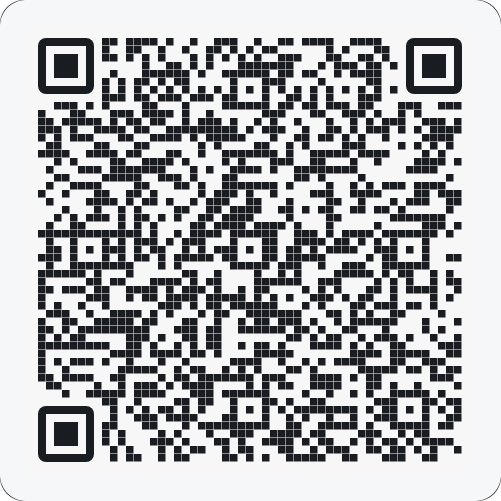
Pay by transfer using the QR code or the phone number, send the confirmation - and receive the receipt and the activation code.
Point the camera at the T-Bank QR code or transfer to the number. Pick the amount from the plans above.
Email a screenshot of the payment confirmation to info@jkweb.ru.
The payment receipt and your activation code come back by email.
Enter it in the app to extend.
Setup
Every permission below protects one real function. Deny one, and that part stops working without warning.
Sees your devices and catches the disconnect the second it happens. Without it there is nothing to watch.
Shows the monitoring status and every alert. Without them you never learn about the loss.
Keeps monitoring alive overnight and through closed background apps. Without it the system stops the watch without warning.
Opens the big alert over your open apps. Without it only a small line in the notification panel remains.
Android itself demands it for Bluetooth discovery. Without it no new device can be found.
Resumes monitoring on its own after reboot and closing. Without it the app does not run until you open it manually.
Install
For the phone - from RuStore or the APK directly. For the watch - a separate APK.
Version 1.18 · about 5 MB · paid version
Get it on
Installed from RuStore? Updates come through the store.
SHA-256:2D7D6EC20FCD6235A127D9AFFFD7E780A49950DD93EE5C5FABEE9745D25E4C00
Version 1.18 · about 5 MB · separate install
Download the watch APKDirect link:
https://jkweb.ru/download/BluetoothRadar-wear-paid-release.apk
SHA-256:2DE81A0A5E94B5C798A9374BBCF328D8626B6D7397E8803C3775A9502479D737
Watch and phone work independently: you can install just one app.
Download the file to the phone or the watch.
Allow installs from this source when the system asks.
Open the file and confirm. The first 3 days run free.
Questions
RuStore publishes the paid phone version, which is easy to keep updated through the store. The APK here is for manual installation when RuStore is not available.
No. Watching Bluetooth devices and firing alerts works locally, and data stays on the device. Internet is only needed for payment and email.
Watching continues if background running, battery exemption and autostart are granted. There is no need to reopen the app.
Each permission covers a specific function: Bluetooth spots the disconnect, notifications deliver the alerts, and background access keeps it stable. Deny a required one and that part stops working.
Pay for a plan and enter the key in the app. A key extends the current period.
Yes. The app keeps a device list, and sound, vibration and flash are configured separately for each one.
Not yet. The app currently runs on Android 8+ and Wear OS 2+; iPhone and Apple Watch versions are planned.
A Bluetooth disconnect from the selected device. When the link comes back, the alert clears itself.